qrhue

Hand-drawn QR code

Each dot drawn a little off, charcoal on cream. Looks like a pen did it. It still scans.

Free, no sign-up, no expiry. Generated in your browser.

Sample code. Tap it, add your link, and it becomes yours.

Opens your link

Scan check

Add your details and the scan check runs on your exact design: five conditions, a real decoder, before you download.

PNG for screens, Canva and Word. SVG for anything a print shop will touch. PDF is the code at a fixed width, print it at 100%, not "fit to page".

Free static codes are how people find us. We earn only when someone needs an editable code (€10 a year or €29 for good). Nothing you type is sent anywhere: the code is made in your browser.

Start from a look (tap to try)

Dot shape

Sketch

Advanced: dot size, margin, error correction

Higher error correction lets the code survive a logo, a picture or a scuffed print, but adds dots. We switch to H for you when a picture or a big logo comes in. Keep the margin at 2 dots or more for anything printed.

This is a static code: the link is baked into the dots and works without us, for as long as the link itself exists. Need to change it after printing? Editable codes, from €10.

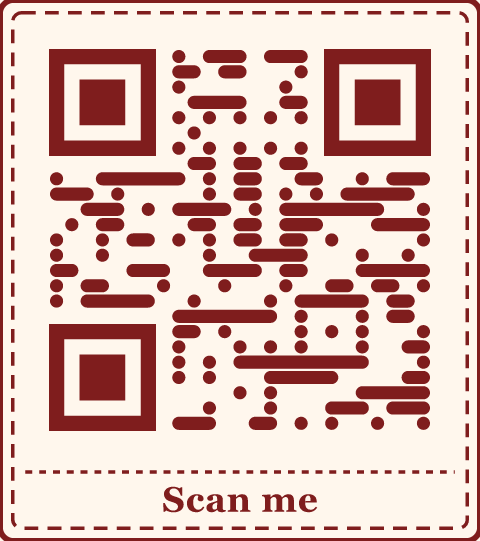
The sketch shape draws every module as a slightly irregular blob, and the jitter setting nudges each one off its exact position by a controlled amount. The modules still overlap their cell centres, so the decoder is untroubled, but the eye sees a code that someone inked with a brush pen. Charcoal on cream rather than black on white finishes the illusion.

It fits craft markets, zines, coffee bags, hand-lettered menus and anything with an illustrated style. Jitter is adjustable in the Look tab; the template uses 0.7, which is the most that still passes the tilt test cleanly. If you print on textured paper, go a size up: 3 cm instead of 2, because the paper adds its own noise.

Questions

How wobbly can it get before it stops scanning?

The template sits near the limit. Above it the tilt and blur tests start failing because module centres drift too far. The scan check shows the exact point.

Can I draw the code by hand myself?

You can trace this over a light table, but every module must stay mostly inside its cell. Printing this template is a lot safer.
More templates

All templates →