qrhue

Hexagon QR code

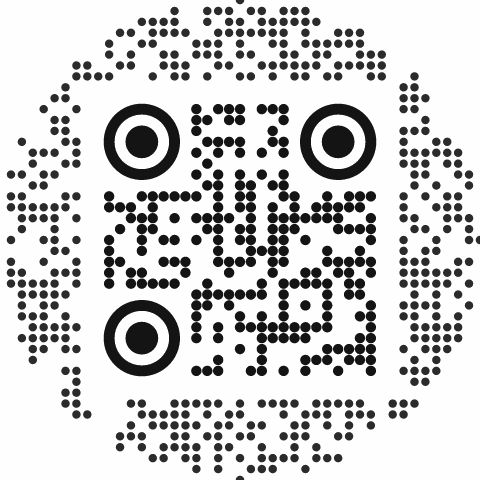
Honeycomb modules inside a hexagon of dots. Deep navy. Engineering with a soft edge.

Free, no sign-up, no expiry. Generated in your browser.

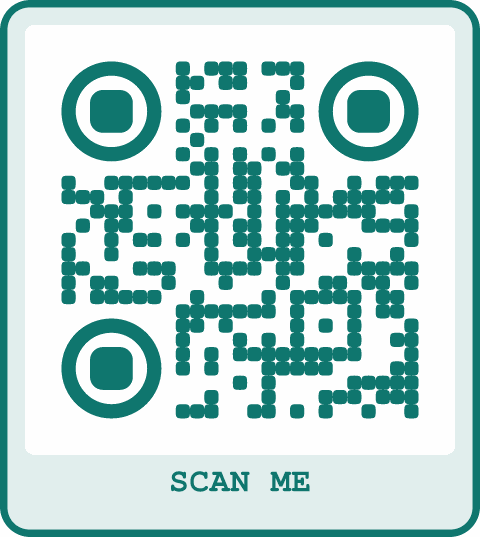
Sample code. Tap it, add your link, and it becomes yours.

Opens your link

Scan check

Add your details and the scan check runs on your exact design: five conditions, a real decoder, before you download.

PNG for screens, Canva and Word. SVG for anything a print shop will touch. PDF is the code at a fixed width, print it at 100%, not "fit to page".

Free static codes are how people find us. We earn only when someone needs an editable code (€10 a year or €29 for good). Nothing you type is sent anywhere: the code is made in your browser.

Start from a look (tap to try)

Dot shape

Hex

Advanced: dot size, margin, error correction

Higher error correction lets the code survive a logo, a picture or a scuffed print, but adds dots. We switch to H for you when a picture or a big logo comes in. Keep the margin at 2 dots or more for anything printed.

This is a static code: the link is baked into the dots and works without us, for as long as the link itself exists. Need to change it after printing? Editable codes, from €10.

Hexagons tile without gaps, so drawing each module as a hexagon at 98 percent of its cell gives a honeycomb texture that keeps almost all of the ink of a square code. The eyes are octagonal frames with hexagonal centres, and a hexagonal field of decorative dots at half density surrounds the whole thing. Deep navy is the colour.

It fits engineering firms, chemistry and materials labs, blockchain and developer products, and, inevitably, honey labels. Swap navy for amber in the Colour tab for the beekeeper version. The outer shape is adjustable in the Frame tab, and the code stays square and intact inside it, which is why the scan check is unbothered.

Questions

Do hexagonal modules lose data?

No. At 98 percent of the cell a hexagon covers the module centre fully. The decoder reads centres, not outlines.

Can I remove the outer hexagon and keep the honeycomb?

Yes, set the outer shape to none in the Frame tab. The honeycomb modules stay.
More templates

All templates →