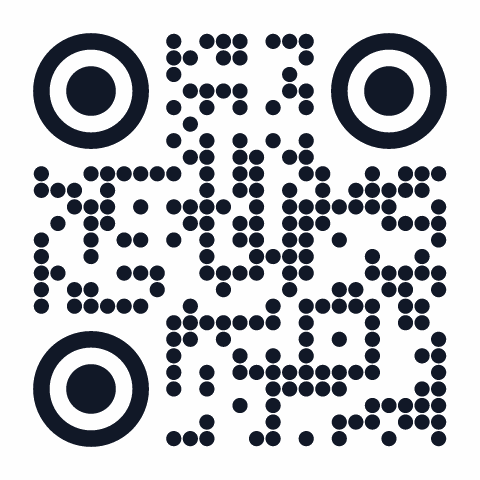
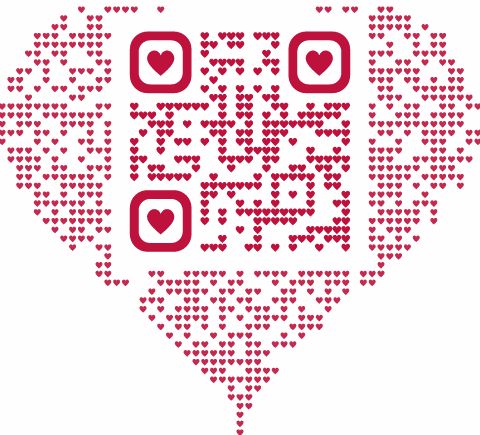
You cannot make a QR code genuinely round, because the three corner squares are what the camera looks for first. What you can do is surround the square code with a circular field of decorative dots, smaller than real modules and kept out of the quiet zone, so the overall silhouette is a circle. That is this template: round dots inside, circle eyes, a halo of 60 percent density reaching three modules beyond the quiet zone.
It suits stickers, coasters, badges, round labels on jars and bottles, and social media avatars. The Frame tab controls the halo: density thins or thickens the dots, reach makes the circle bigger. Colour the whole thing in the Colour tab; the halo follows the fill. For the full explanation of why the quiet zone matters, see the round QR code page.
Questions
Will phones read a code with dots around it?
Yes, because the decorative dots are smaller than modules and never enter the quiet zone. The scan check runs the exact file with the halo in place.
Can I cut the sticker as a circle?
Yes. Keep the cut line at or outside the halo so the quiet zone around the code is not cut into.