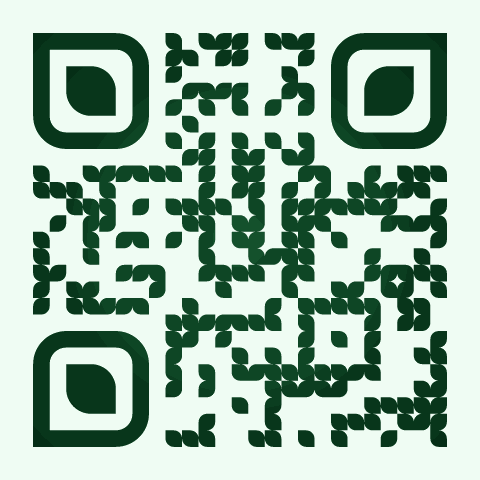
qrhue

Blob QR code

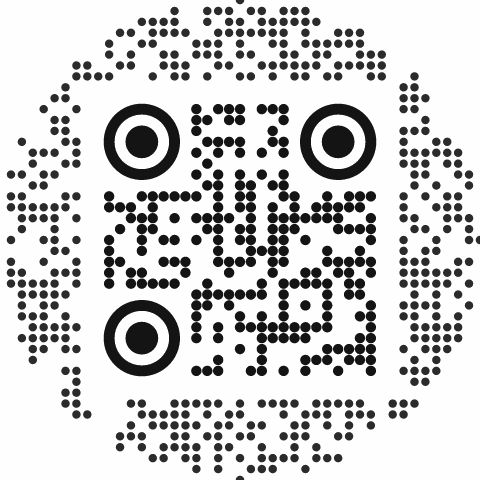
An organic blob of dots around liquid modules in deep teal. The anti-corporate shape.

Free, no sign-up, no expiry. Generated in your browser.

Sample code. Tap it, add your link, and it becomes yours.

Opens your link

Scan check

Add your details and the scan check runs on your exact design: five conditions, a real decoder, before you download.

PNG for screens, Canva and Word. SVG for anything a print shop will touch. PDF is the code at a fixed width, print it at 100%, not "fit to page".

Free static codes are how people find us. We earn only when someone needs an editable code (€10 a year or €29 for good). Nothing you type is sent anywhere: the code is made in your browser.

Start from a look (tap to try)

Dot shape

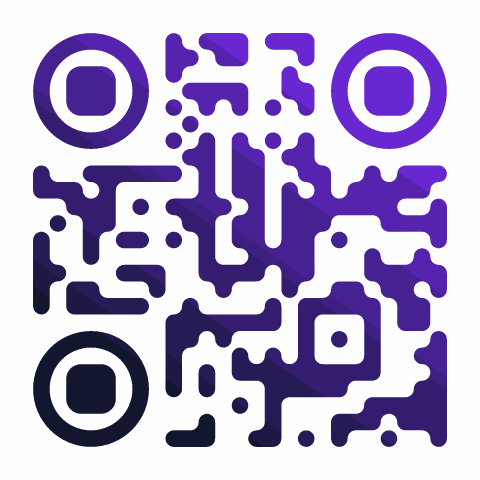
Liquid

Advanced: dot size, margin, error correction

Higher error correction lets the code survive a logo, a picture or a scuffed print, but adds dots. We switch to H for you when a picture or a big logo comes in. Keep the margin at 2 dots or more for anything printed.

This is a static code: the link is baked into the dots and works without us, for as long as the link itself exists. Need to change it after printing? Editable codes, from €10.

The blob is the outer shape for brands that would rather not have corners at all: an irregular rounded silhouette of decorative dots around the code, drawn the same way every time so a reprint matches. Inside, the liquid module shape merges neighbours into flowing forms. Deep teal on a mint-tinted white; soft eyes.

It fits design studios, wellness and yoga brands, indie apps, podcasts and festival posters. Density and reach in the Frame tab change how much of the blob there is. Colour follows the fill. The code inside stays square and keeps its quiet zone, so the check passes.

Questions

Is the blob shape random?

No. The outline is computed from the code itself, so the same link gives the same blob every time and a reprint matches the original.

Can the blob be a different colour from the code?

The outer dots follow the code fill. Change the fill and both change together; this keeps the silhouette coherent.
More templates

All templates →